🎨
3D Action FigurePhoto-to-Character
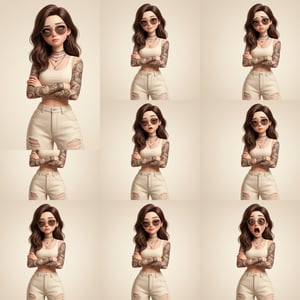
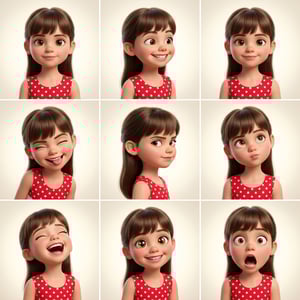
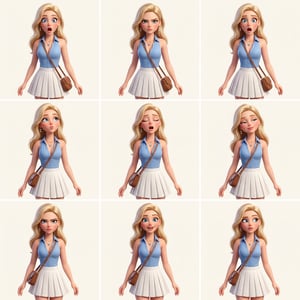
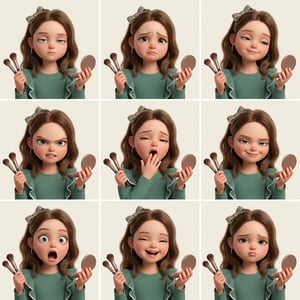
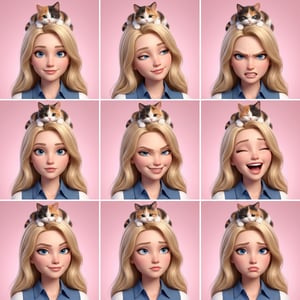
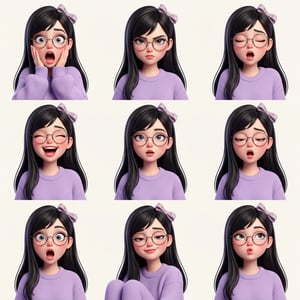
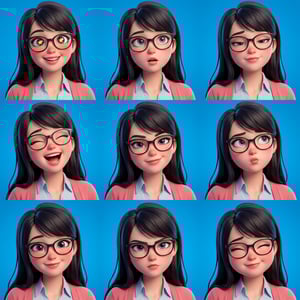
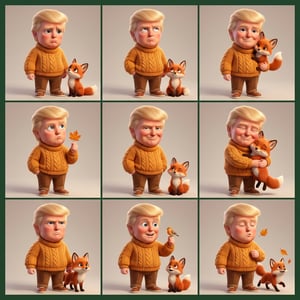
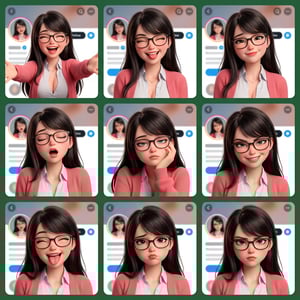
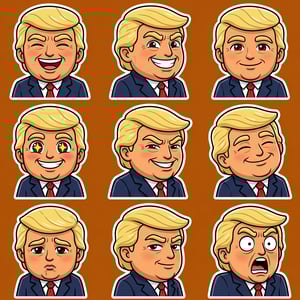
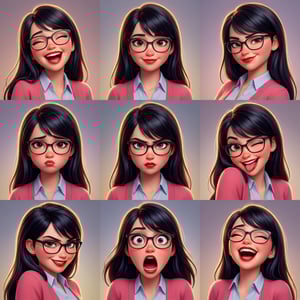
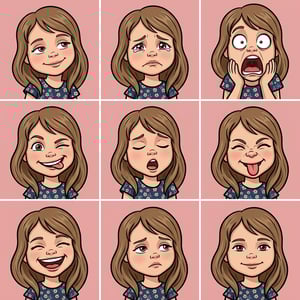
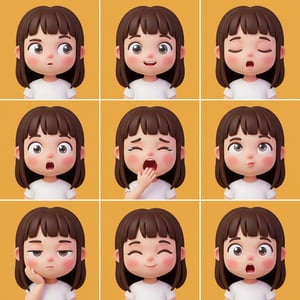
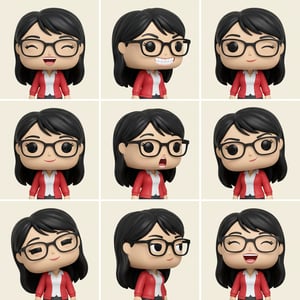
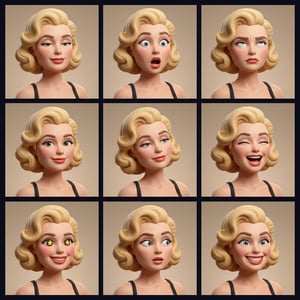
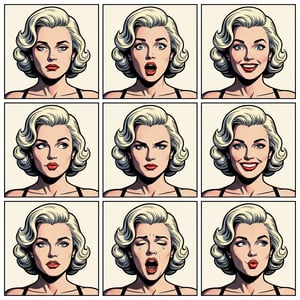
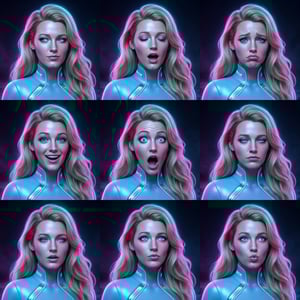
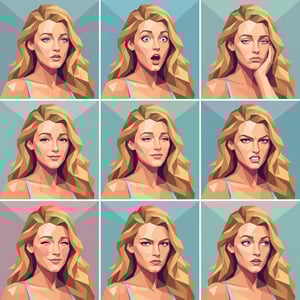
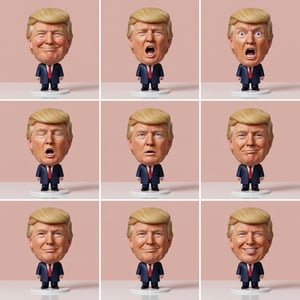
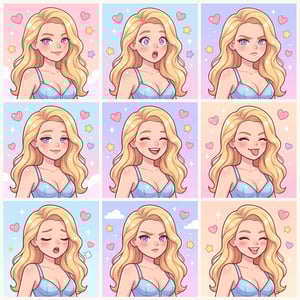
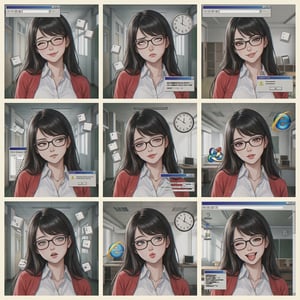
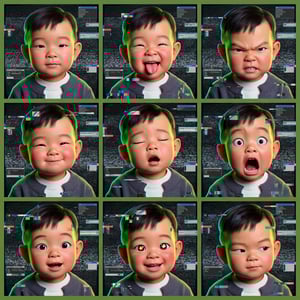
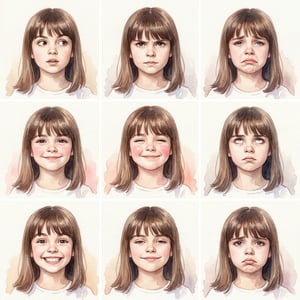
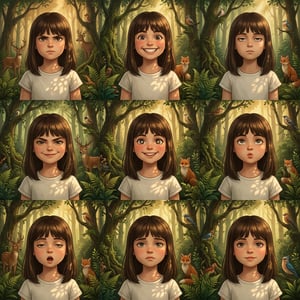
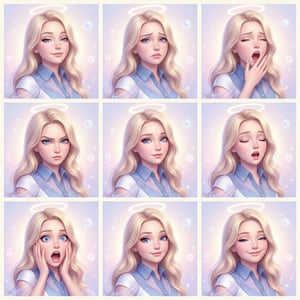
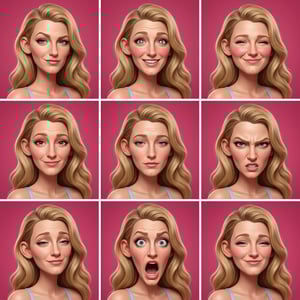
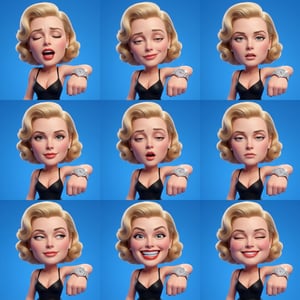
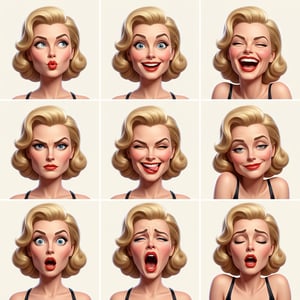
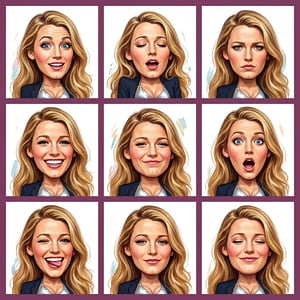
Glossy 3D Action Figure Expression Grid
Studio-grade 3D cartoon portraits from a single photo
Transform a portrait into a polished 3D character with consistent identity across a multi-panel expression grid. Mix cinematic lighting, glossy materials, and curated expressions to deliver professional character sets in minutes.
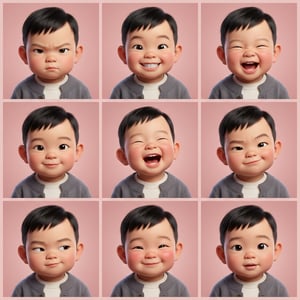
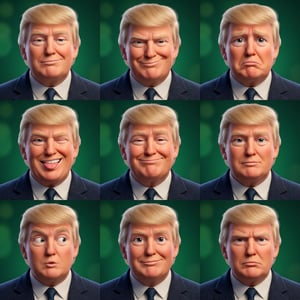
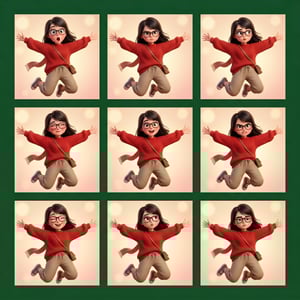
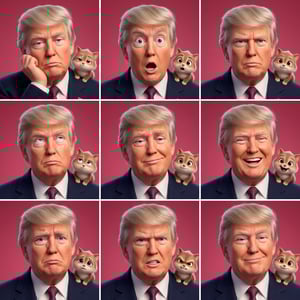
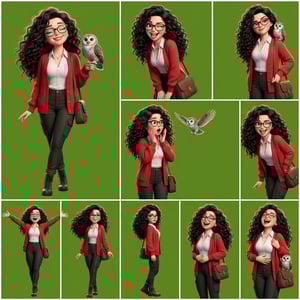
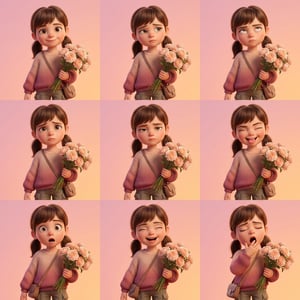
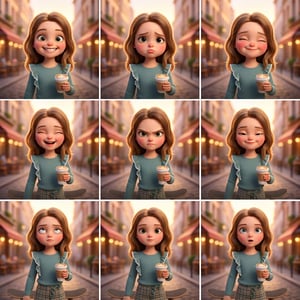
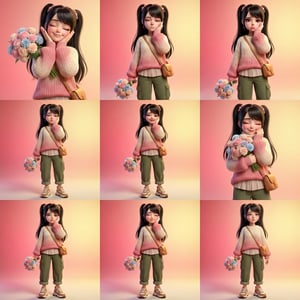
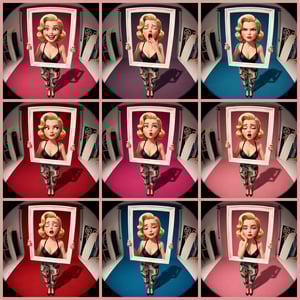
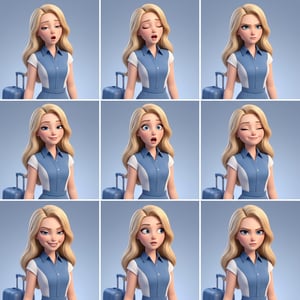
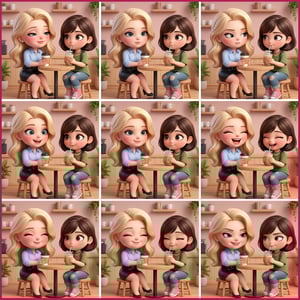
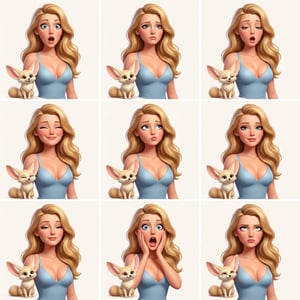
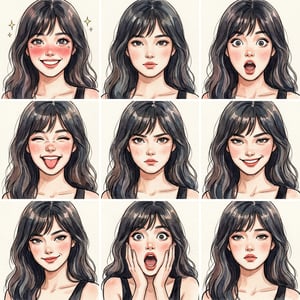
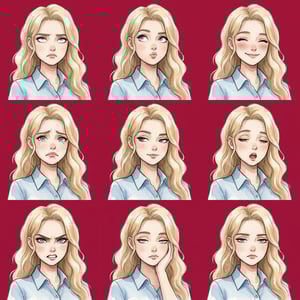
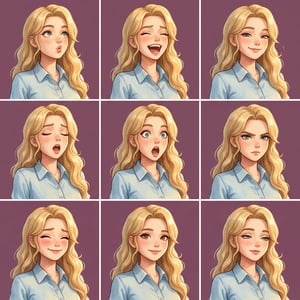
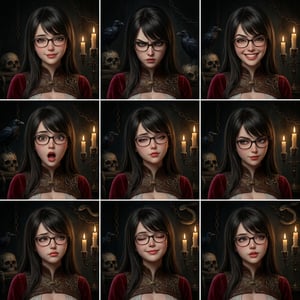
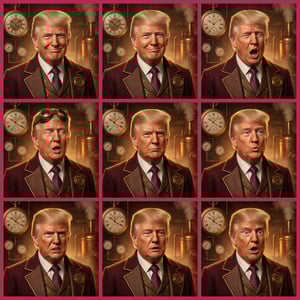
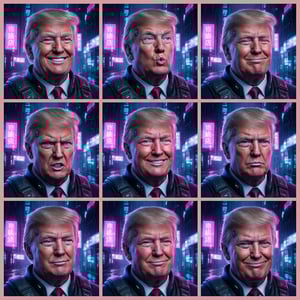
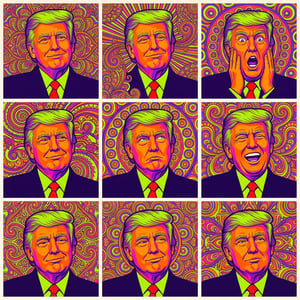
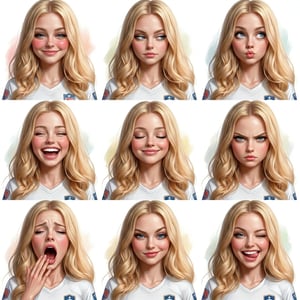
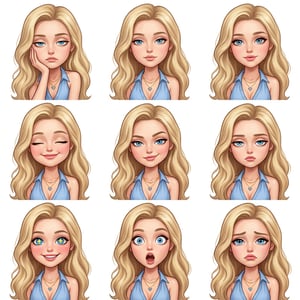
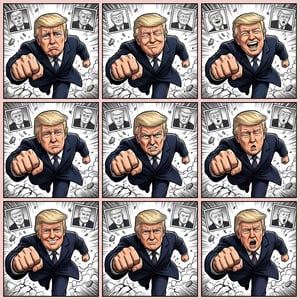
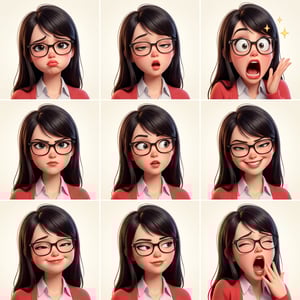
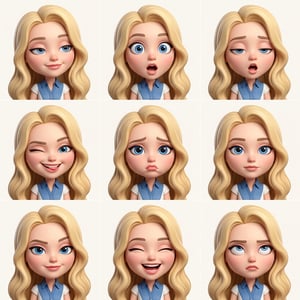
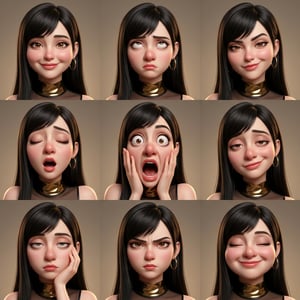
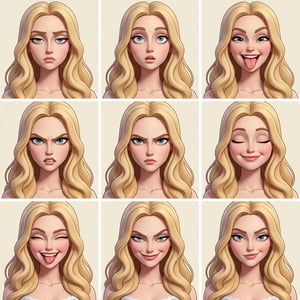
Effect overview
This effect translates your photo into a glossy 3D character while keeping facial structure, hair, and outfit consistent. You get a clean, cinematic 3D finish plus a grid of expressions that feel ready for storyboards, avatars, and product visuals.
Identity locked across panels
Facial features and styling stay consistent even as expressions and poses change.
Glossy studio-grade finish
Softbox lighting, clean specular highlights, and depth-of-field deliver a premium 3D look.
Expression grid storytelling
Generate multi-panel sets so you can showcase moods, reactions, or scenes in a single output.
Where it shines
Avatar & profile sets
Create consistent character packs for social profiles, team pages, or creator branding.
Sticker packs & reactions
Build expressive sticker grids with punchy emotions and clean 3D polish.
Merch & gift mockups
Turn portraits into collectible toy-like characters for prints, gifts, and packaging.
Concept & character exploration
Prototype character variations for games, animation, or story development.
What you can control
3D style preset
Choose animated movie, vinyl toy, claymation, comic hero, anime, and more.
Grid layout
Pick the panel count and composition to match story beats or social formats.
Expression library
Assign curated expressions and poses to each panel for precise mood control.
Backgrounds & gradients
Use premium gradients or solid colors to frame the character cleanly.
How it works
01
Upload a clear portrait
Use a front-facing image with good light so the model can preserve identity.
02
Pick a 3D look
Select a style preset that matches your desired material and lighting mood.
03
Set grid + expressions
Choose the panel layout and assign expressions for each panel.
04
Generate and refine
Review the grid, tweak settings, and regenerate until it feels perfect.
FAQs
What kind of photo works best?
Use a clear, well-lit portrait with the face visible. Avoid heavy filters or extreme angles.
Will the character stay consistent across panels?
Yes. The effect is tuned to keep facial structure, hair, and outfit consistent across the grid.
How many expressions can I generate at once?
It depends on the grid you select. Each panel represents one expression or pose.
Can I change backgrounds?
Yes. Pick from premium gradients, solids, or customize colors to match your scene.
Why does it look more stylized than my photo?
This effect intentionally stylizes into a glossy 3D character. Choose a softer preset for a more natural look.
Ready to build your 3D character?
Choose a style preset and start generating a cinematic expression grid.