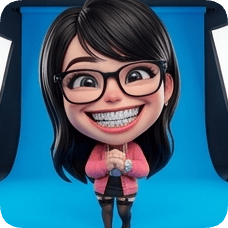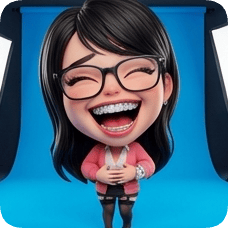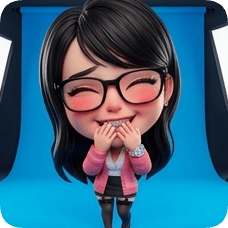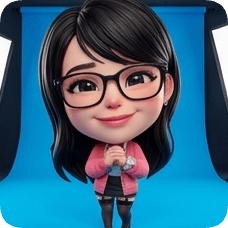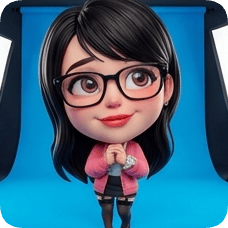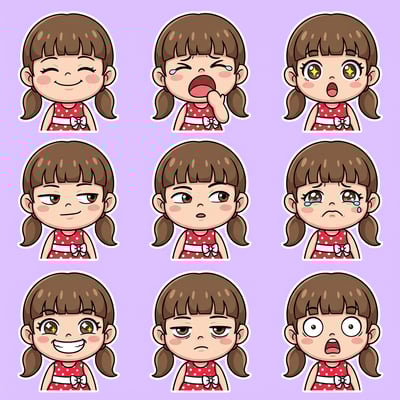
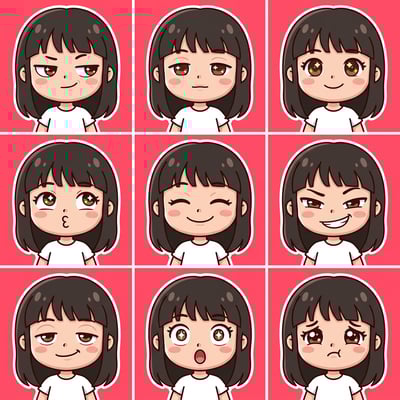
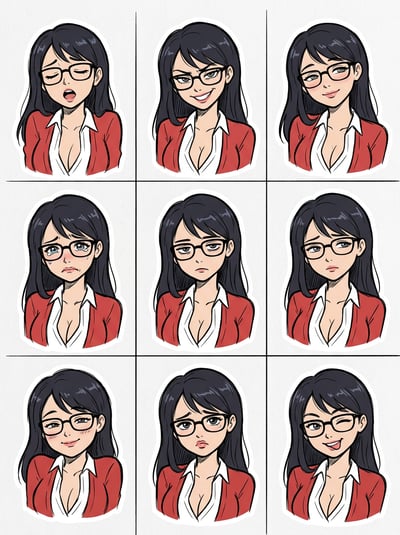
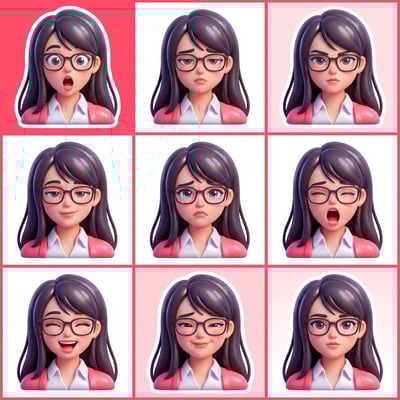
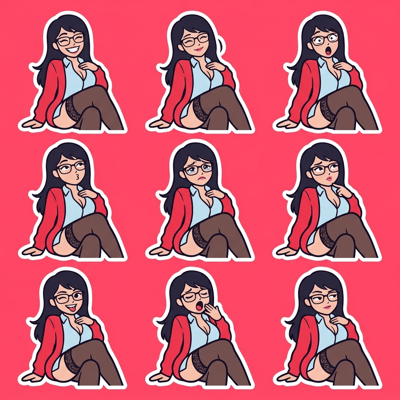
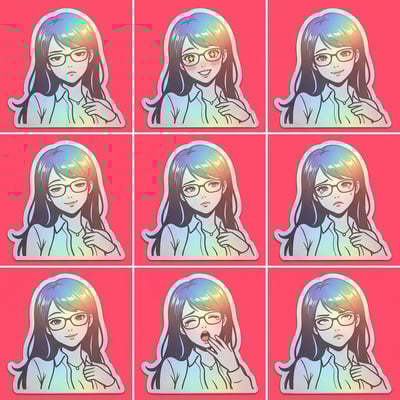
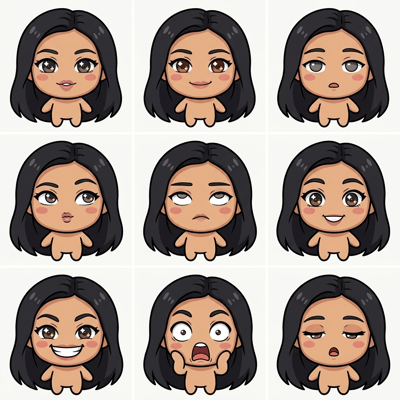
Turn your photos into sticker sets people actually use.

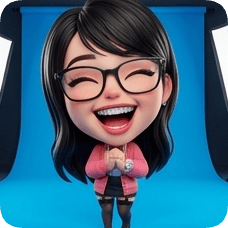
Upload selfies or reaction photos and create sticker-style visuals for chats, communities, and content.

  • Create custom sticker looks from your own photos.
  • Generate multiple sticker directions in one flow.
  • Useful for chat packs, creator communities, and team memes.

Where people use this

01

You want custom stickers for your group chat

Personal sticker sets make conversations more fun and recognizable.

02

You run a creator or gaming community

Custom sticker reactions help communities feel more personal.

03

You need meme-ready visual assets quickly

Sticker-style images are easy to reuse in comments and posts.

Why people use this

01

It helps users build personal sticker packs quickly.

02

It supports playful communication in groups and communities.

03

It turns simple photos into reusable social assets.

Try it now

Upload your photos and create sticker visuals in seconds.

Avatar & Cartoon

AI Sticker Maker

Sticker packs and emojis

🎨
Current style
Chibi
Ready to create?
Upload a photo, pick a style, and adjust expressions to get a lifelike result.
Upload Reference Image
📷
Drag & drop or click to upload a reference image
JPG · PNG · WEBP · Max 10MB
Pick a glossy 3D look: lifelike, action figure, animated movie, cartoon, or anime
3D style & material
Choose the number of panels and layout
Expression grid
Expression library · Panel directives
Expressions & poses
Selected 1/1
Joyful Laugh
JL
Joyful Laugh
Joyful Laugh
Expression
HG
Huge Grin
Huge Grin
Expression
BL
Belly Laugh
Belly Laugh
Expression
G&
Giggle & Blush
Giggle & Blush
Expression
GS
Gentle Smile
Gentle Smile
Expression
LG
Loving Gaze
Loving Gaze
Expression
Premium gradients for cinematic packaging
Gradient backgrounds
Rose Pop
#FF4D6D
01
Upload your photo
Use a clear portrait to keep identity and details.
02
Set style & params
Grid, expressions, and backgrounds shape the final look.
03
Generate & review
Preview your result and iterate quickly.
Why do I need to upload an image first?
This effect uses image-to-image generation to preserve identity and details.
Do I need to fill every parameter?
Grid panels and expression count must match to generate a complete layout.
How long does generation take?
It depends on model and resolution, usually seconds to a few minutes.
How do I keep styles consistent?
Use clear portraits, reduce occlusion, and keep expressions/backgrounds aligned.
Create your character now
Start from a photo and generate a lifelike character.
Start now

How it works

1

Upload your photo set

Use selfies, reaction faces, or mascot images as references.

2

Pick sticker style

Try playful, clean, or bold options until the pack feels right.

3

Save and share

Use the final stickers in chats, communities, and social posts.

FAQ

Can I use this for Telegram or Discord sticker ideas?

Yes. Many users create packs for chat communities.

Do I need design skills to make stickers?

No. You can start from simple photos and generate options.

Can I build a full pack from one session?

Yes. You can create multiple sticker styles quickly.

Can creators use this for community engagement?

Yes. It is commonly used for fan and member interactions.

Build sticker sets your group will keep using.

Turn photos into custom sticker visuals in minutes.
You might also like